Does Cleer upload my photos anywhere?
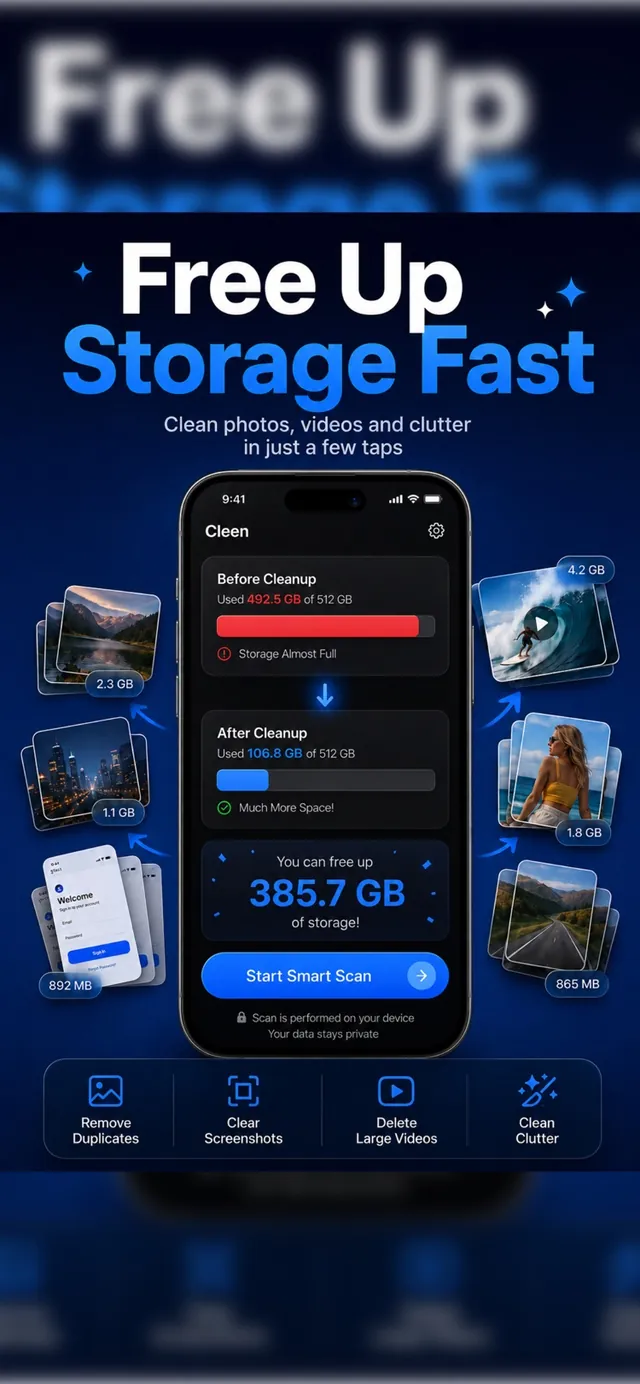
No. Every scan runs locally on your iPhone. Cleer never uploads, sees, or stores your photos or videos on any server — see the full Privacy Policy for details.
Will Cleer delete photos without asking me?
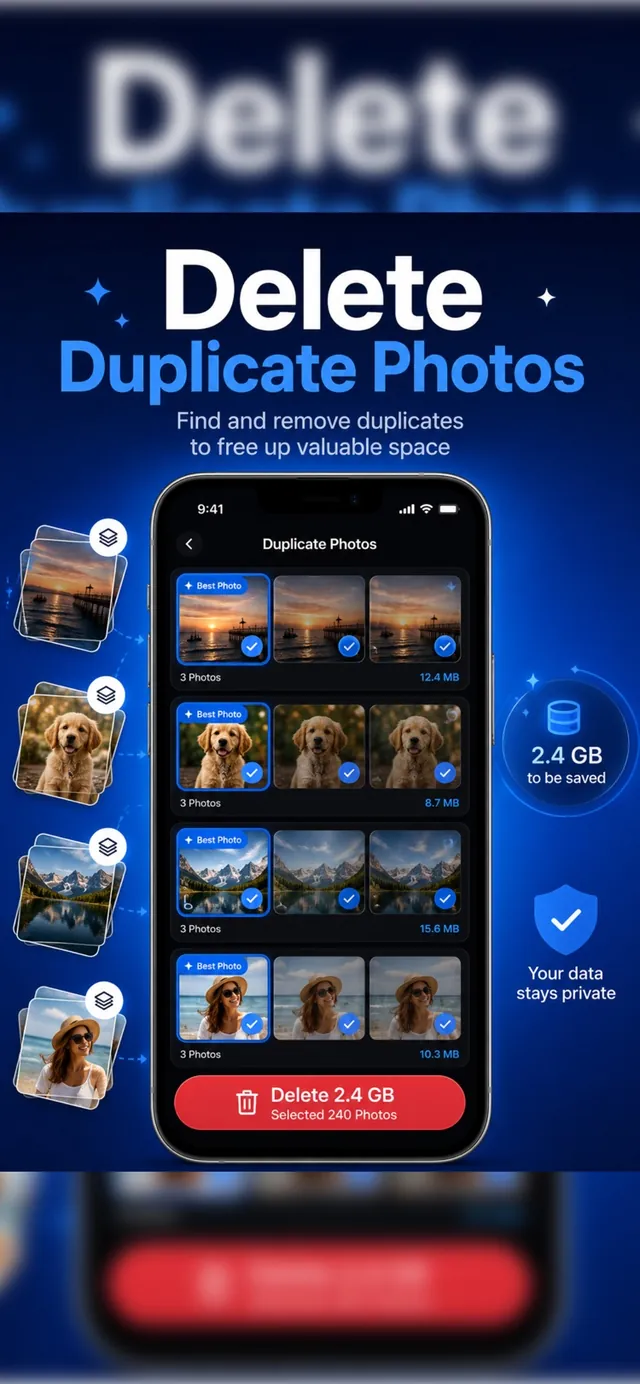
Never automatically. Cleer only suggests what to remove in each category — duplicates, blurry photos, screenshots, large videos — and waits for you to review and confirm before anything is deleted.
What can Cleer find and clean up?
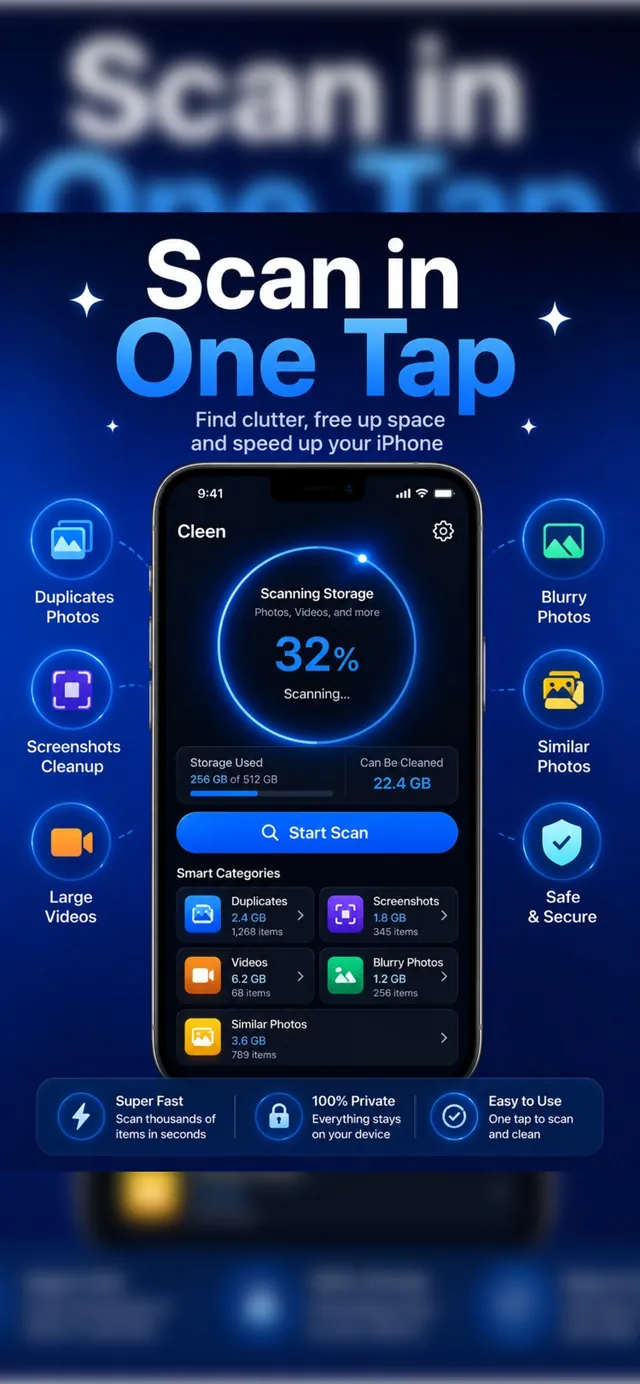
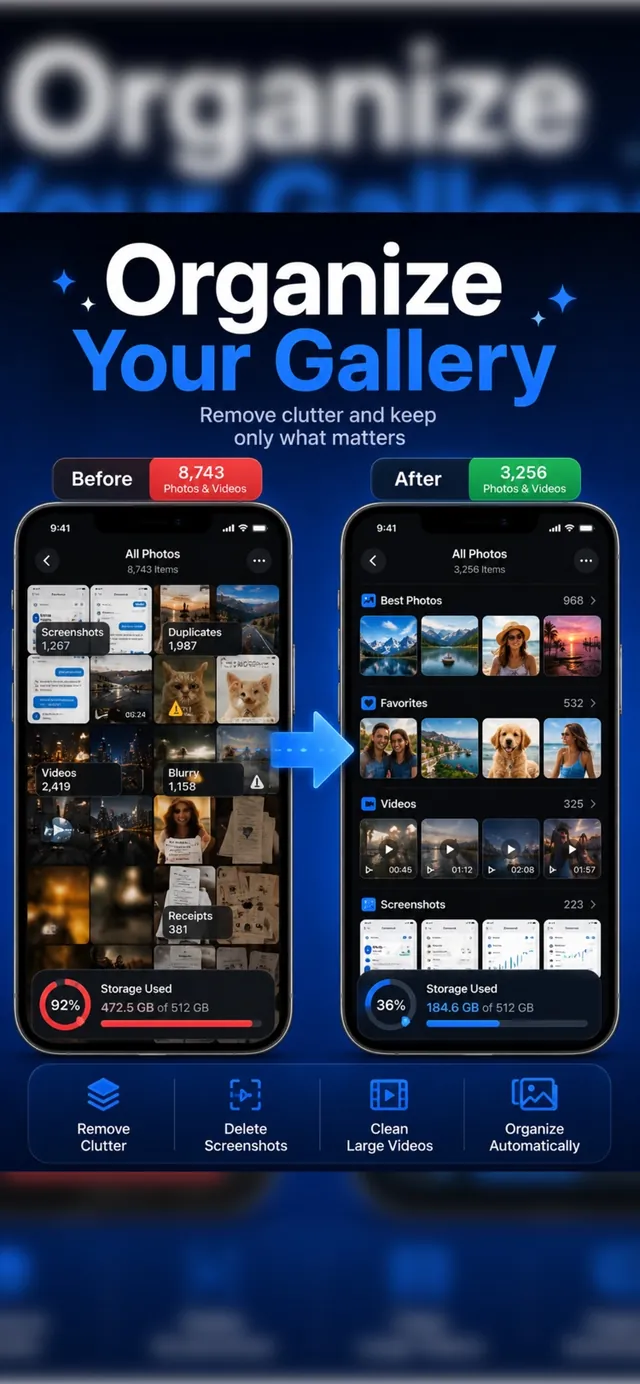
Exact duplicate photos, near-identical similar photos, blurry shots, old screenshots, screen recordings, and your largest videos and photos — all grouped into smart categories with an estimated space savings.
Is Cleer free to use?
Yes. Cleer is free to download and scan with on the App Store, no account or login required.
What if I delete a photo by mistake?
Deleted items go to your device's Recently Deleted album first, just like deleting from the Photos app, so you can recover them before they're permanently removed.